How to Send an Animated Birthday Message on iPhone
To send a custom animated birthday message on iPhone, write a short greeting in Anitalk, keep the important words visible, animate a name, letter sequence, symbol, or emoji, preview every frame, and share the rendered result through Messages. The birthday recipient does not need the app.
{[HAPPY BIRTHDAY (🎂🎉✨)]}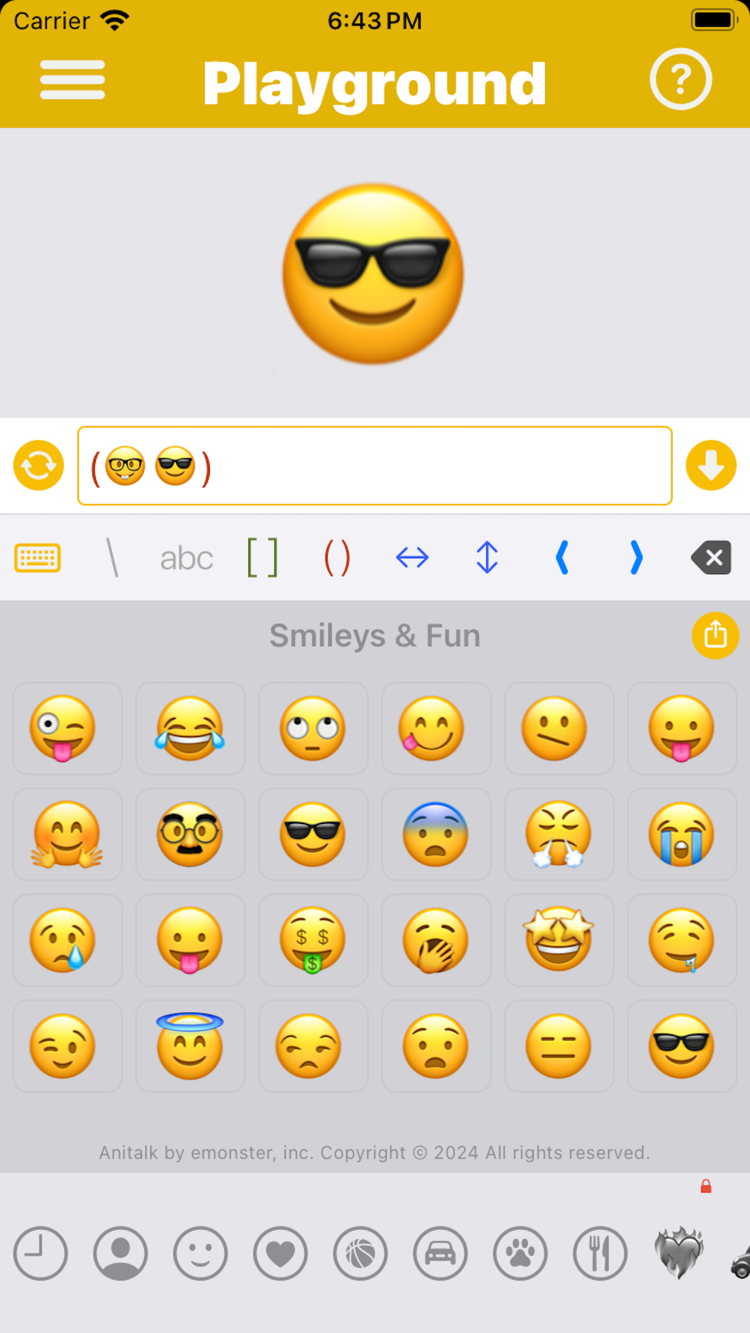
Create it in Anitalk
Personalize the greeting
Start with the person’s name or a phrase you would actually say. “HAPPY BIRTHDAY, MAYA” carries more meaning than a generic animation and remains recognizable while another element changes.
Choose one celebration sequence
Add a short run of birthday emoji or symbols. In {[HAPPY BIRTHDAY (🎂🎉✨)]}, the words remain fixed while the final character advances through cake, confetti, and sparkle.
Preview for readability
Play the sequence and make sure the greeting is clear in every frame. If the name and decoration compete, shorten the phrase or reduce the changing sequence.
Send in the birthday conversation
Use the Anitalk Messages extension from the conversation, or share the rendered APNG, GIF, or WebP through the system share sheet. The recipient only needs to receive the animation.
Start with a birthday message worth animating
Animation adds emphasis, but personal wording creates the connection. Begin with the relationship: a warm “HAPPY BIRTHDAY, MAYA,” a playful “LEVEL UP,” or a direct “MAKE A WISH.” Add motion after the message already sounds like you.
Anitalk lets you create the result from text, symbols, and emoji. It is different from searching a birthday GIF library, where another creator chose the wording. Here, you control the characters and the frame sequence, so a nickname, shared phrase, or multilingual greeting can become part of the animation.
- Friend: animate an inside joke or celebratory emoji.
- Family: keep the person’s name visible through the loop.
- Coworker: use a short, readable greeting that fits the relationship.
Use one changing element for a clean birthday loop
Try {[HAPPY BIRTHDAY (🎂🎉✨)]}. The square brackets group the birthday phrase with the active emoji. Parentheses create the sequence, so the cake, party popper, and sparkle appear in successive frames while HAPPY BIRTHDAY remains stable.
Replace the fixed phrase with a name or another language that you can type on the device. You can also use braces to create a sequence. More complex nested sequences are possible, including adjacent sequences that run in parallel inside square groups, but one changing celebration is usually more legible for a quick greeting.
{[HAPPY BIRTHDAY (🎂🎉✨)]}Adapt the animation to the person
A good birthday animation can be joyful without becoming visually crowded. Change the emoji set to match the person: stars for someone who dislikes party imagery, food symbols for a birthday dinner, or simple punctuation for a minimal message. The goal is not to use every effect; it is to make one small moment feel considered.
For a longer thought, send the animation as the opening and add a normal text message beneath it. This keeps the moving piece readable while giving you space for a sincere note. Anitalk’s role is the expressive entrance, not a replacement for everything you want to say.
- Use a name when it fits comfortably in the fixed text.
- Choose three related characters for a compact loop.
- Pair the animation with a longer static note when needed.
Prepare, test, and send
Create the birthday animation before you need it, then preview all frames. If you are sharing outside Messages, test the chosen APNG, GIF, or WebP format in that destination because different apps can handle animated files differently. Anitalk does not promise that every receiving service supports every format.
When it is time, open Anitalk from Messages or use the system share sheet. The recipient does not need Anitalk, and you do not need an Anitalk account. There are no ads interrupting creation, and the words you type are excluded from website analytics.
Questions about animated birthday messages
Short answers based on Anitalk’s current behavior.
How do I make a birthday message feel personal?
Keep the person’s name or your own phrase visible, then animate one relevant symbol or emoji sequence around it.
Can I send the birthday animation in Messages?
Yes. Share from the Anitalk Messages extension or through the system share sheet after previewing the result.
Does the birthday recipient need to install Anitalk?
No. They receive the rendered animated message and do not need the app.
Can I export an animated birthday message as GIF?
Yes. Anitalk exports GIF as well as APNG and WebP; test the chosen format in the destination where you will send it.
Make your next message move.
Create the frames, preview the result, and send something only you would write.


Free on the App Store · iOS 26 or later