How to Make Custom Animated Text Messages on iPhone
To make a custom animated text message on iPhone, type your words in Anitalk, put changing characters inside parentheses or braces, preview the frame sequence, and share the rendered animation through Messages or the system share sheet. The recipient does not need Anitalk to receive it.
{[HELLO (🙂😃)]}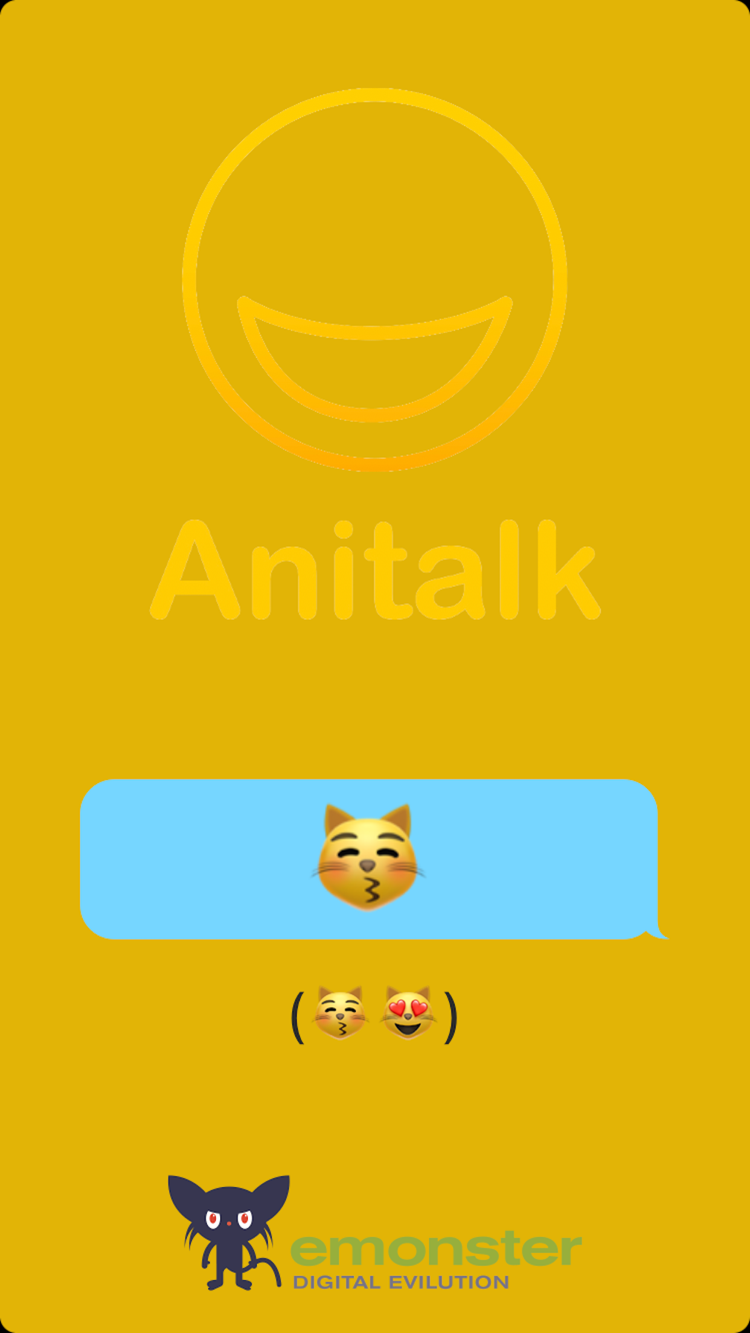
Create it in Anitalk
Start with the sentence
Decide what the recipient should understand before adding motion. A short line such as “HELLO” or “YOU DID IT” remains readable when the animation loops and gives you room for one clear effect.
Add a changing sequence
Put the characters that should appear one after another inside parentheses or braces. In {[HELLO (🙂😃)]}, HELLO stays in the grouped frame while the emoji changes from 🙂 to 😃.
Preview every frame
Play the animation in Anitalk and check that each frame makes sense on its own. Shorten the message or simplify the sequence if the words are hard to read while it moves.
Share the rendered result
Send from the Messages extension or use the system share sheet. Anitalk can export APNG, GIF, or WebP; choose a format that works for the place where you intend to share it.
What makes an animated message custom?
A custom animated message begins with your words. The motion supports the meaning instead of replacing it. A friend’s name, an inside joke, a tiny countdown, or a changing emoji can make a familiar message feel personal without requiring a video editor.
Anitalk works with text, symbols, and emoji. It is not a library of reusable stickers and it does not create face-based Animoji or Memoji. You compose characters into frames, preview the sequence, and export the resulting animation. That distinction matters when you want a message no catalog could anticipate.
- Keep the main phrase visible while one small part changes.
- Use symbols such as dots, arrows, or stars to suggest direction.
- Limit the first version to one idea, then add complexity only if every frame stays clear.
A simple personalized animation
Try {[HELLO (🙂😃)]}. Square brackets group the visible content into a frame. The nested parenthesized sequence advances through its characters, so HELLO remains present while the face changes. Replace HELLO with a name, a thank-you, or a short celebration.
Parentheses and braces create sequences. Square brackets group a frame. More advanced adjacent nested sequences inside square groups can run in parallel, but a first message is usually easier to edit when only one element changes. Anitalk’s native syntax tests are the authority for exact behavior, so use the in-app preview to confirm your composition.
{[HELLO (🙂😃)]}Design for a real conversation
An animation should still communicate when the recipient first sees it mid-conversation. Put the meaningful words first, avoid a long setup, and make the final frame feel intentional. For a congratulations message, keep “YOU DID IT” fixed and animate a small run of celebratory emoji. For a quick greeting, animate two expressions rather than every letter.
Preview the message at the size it will be viewed, not only while editing. If a character appears too briefly to identify or a line feels crowded, reduce the sequence. Motion earns attention; the wording earns the response.
- Personal: include the recipient’s name or a shared phrase.
- Readable: use a short phrase with a clear visual hierarchy.
- Purposeful: let the changing character reinforce the emotion.
Sharing and troubleshooting
Use the Messages extension when the conversation is already open, or the system share sheet when you want another destination. Recipients do not need Anitalk because you share the rendered animation rather than an editable Anitalk project.
If the result is not what you expected, return to the preview and inspect the grouping. A missing bracket can change which characters stay together, while a sequence that is too long can make the idea difficult to follow. If a destination handles one animated format differently, export another supported option and test it there. Format behavior depends on the receiving app, so do not assume every destination treats APNG, GIF, and WebP identically.
Questions about custom animated text
Short answers based on Anitalk’s current behavior.
Can I write my own animated message on iPhone?
Yes. Anitalk lets you compose your own text, symbols, and emoji, preview the generated frames, and share the rendered animation.
Does the recipient need Anitalk?
No. The recipient receives the rendered animated message and does not need to install Anitalk.
What should I do if my animation is hard to read?
Shorten the fixed phrase, reduce the number of changing characters, and replay the preview until each frame is understandable.
Does Anitalk track the message I type?
No. Typed message and syntax content is excluded from Anitalk website analytics.
Make your next message move.
Create the frames, preview the result, and send something only you would write.


Free on the App Store · iOS 26 or later